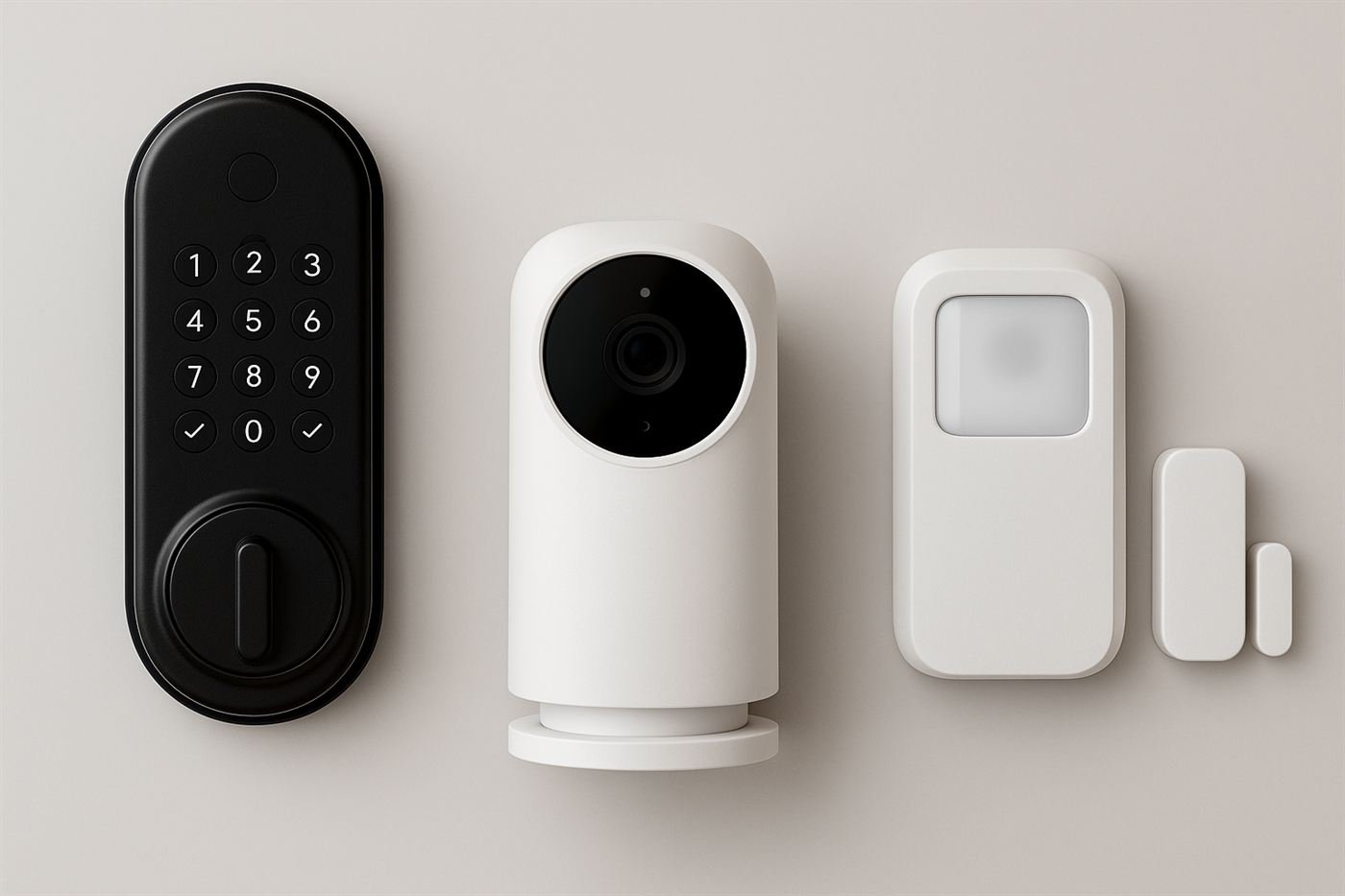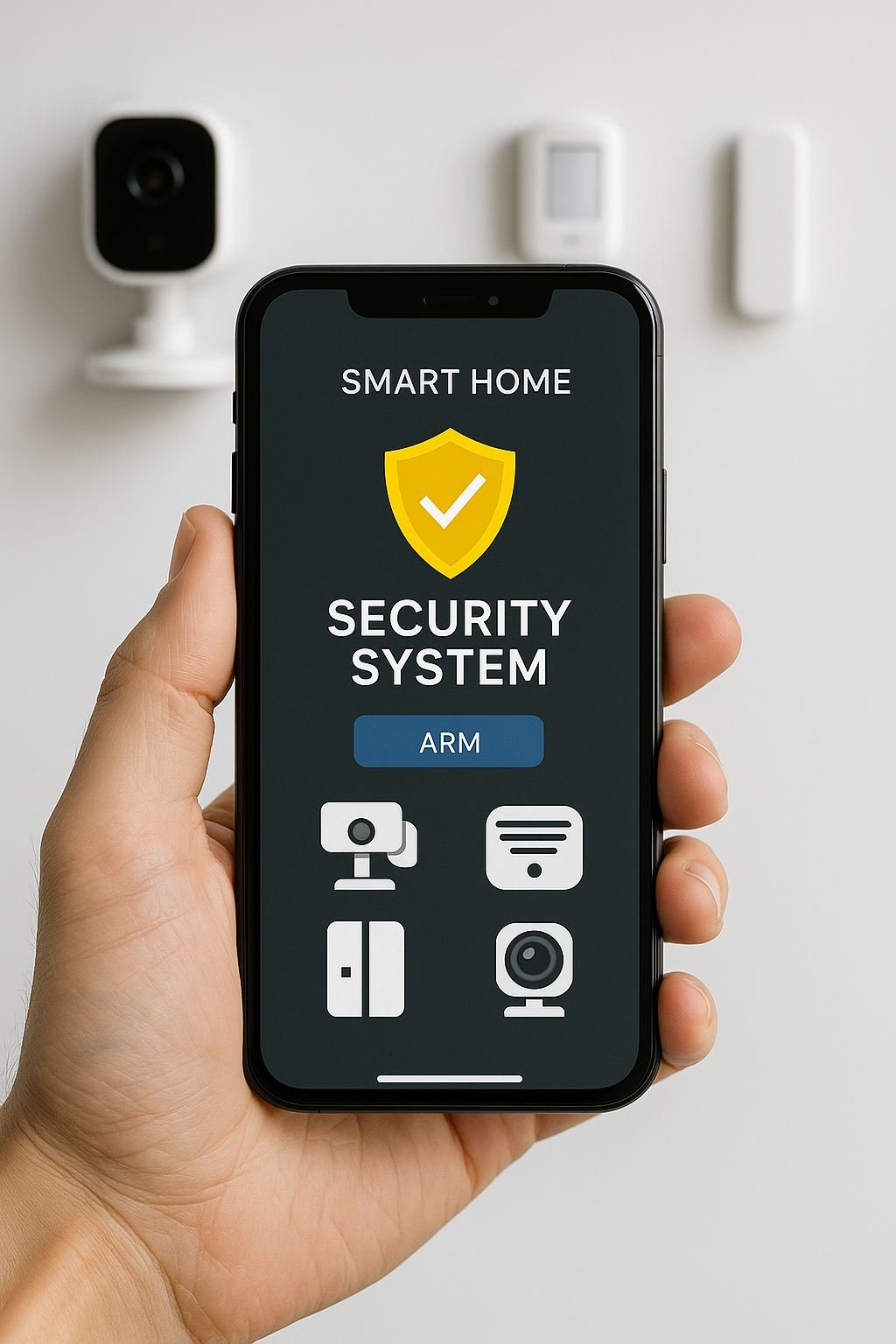
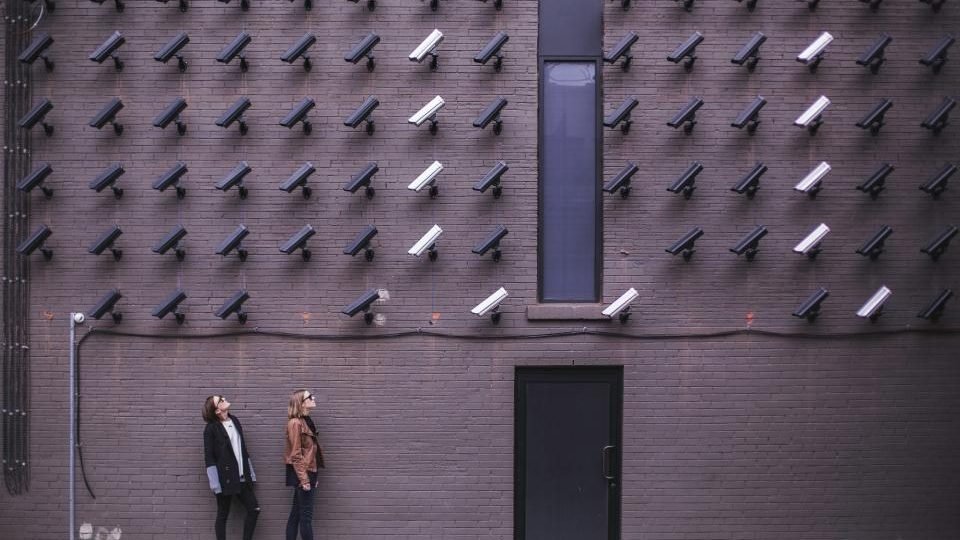

Smart security tech can be powerful, but only if it works together. The goal is simple: notice problems early, reduce false alarms, and make response faster. This guide helps you choose gear that plays well together without creating new privacy or reliability issues.
Build a smart security stack that stays calm
- Pick one ecosystem : A single hub keeps alerts consistent.
- Secure entry points first : Strong doors plus smart access control.
- Prioritize reliable alerts : Only urgent events should break through.
- Harden your network : Isolate IoT and reduce exposure.
Start with a system plan
Pick the ecosystem you want to live in before you buy devices. A mixed setup can work, but it often creates extra apps, confusing alerts, and fragmented settings.
- One hub, many sensors: simplest for alerts and routines.
- Matter and Thread support: more flexibility across platforms.
- Local control: keeps core functions working if the internet drops.
Smart locks and entry security
Smart locks are about access control and audit trails. They should never replace strong hardware. Look for Grade 1 or Grade 2 certifications and confirm your door prep before buying.
- Enable auto-lock so doors never stay unlocked by accident.
- Use unique codes for guests instead of hidden keys.
- Review event logs weekly to confirm the system is working.
Sensors and environmental monitors
Door contacts, motion sensors, and glass-break sensors are the backbone of detection. Environmental sensors add another layer for water, smoke, and temperature risks.
- Place motion sensors on paths people must cross, not random corners.
- Use contact sensors on doors, windows, and cabinet access points.
- Add leak sensors near water heaters, washers, and sinks.
Cameras and video doorbells
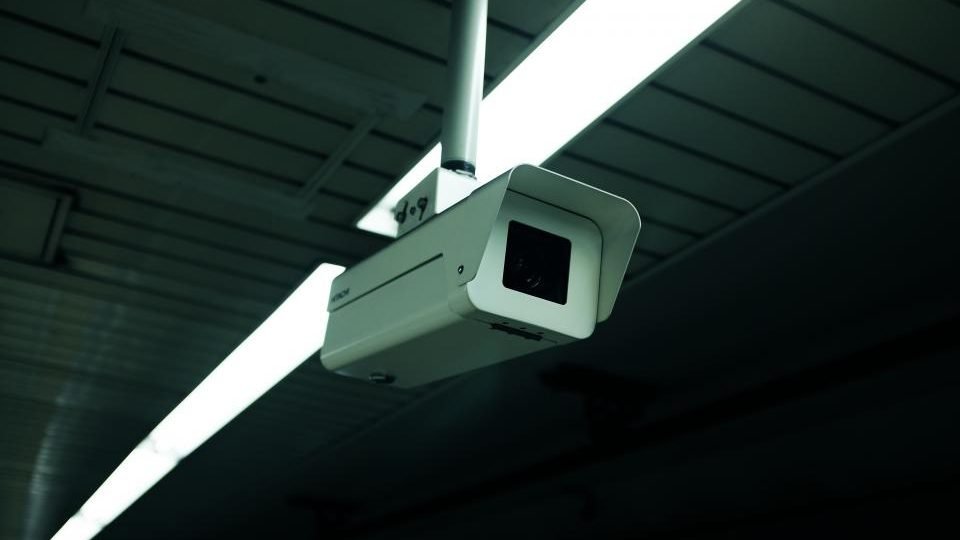
Cameras are most useful at entry points and driveways. They should be visible enough to deter and reliable enough to record without gaps.
- Position cameras to cover approach paths, not just the door itself.
- Use motion zones to reduce alerts from sidewalks and trees.
- Choose wired power for critical coverage and battery for flexibility.
Connectivity: Wi-Fi, Thread, and cellular backup
Most smart devices use Wi-Fi, but Wi-Fi can be unreliable in garages or basements. Thread devices are often more stable and power efficient. If you rely on alerts, consider systems with cellular backup so alarms still send if your internet drops.
If you have a larger home, plan for mesh Wi-Fi or a dedicated hub near sensors. A strong signal reduces missed events more than any single device upgrade.
Privacy and account security
More devices means more accounts. Use unique passwords, enable MFA, and understand what data is stored in the cloud. If local storage is an option, use it for cameras that face private spaces.
- Local storage reduces privacy risk
- Strong passwords stop account takeover
- Single hub keeps alerts consistent
- Cellular backup keeps alarms online
- Too many apps create alert fatigue
- Cloud-only systems add long-term cost
- Weak Wi-Fi causes missed events
- Overlapping sensors create noise
Automations that help, not overwhelm
Automations should reduce your workload, not add noise. Keep them simple and predictable.
- Turn on a hallway light when a door sensor triggers at night.
- Send a single high-priority alert for a forced entry sensor.
- Mute motion alerts during known active hours.
Network hygiene
Smart devices are only as safe as the network they run on. If your router supports guest networks or VLANs, isolate IoT devices from your primary computers and phones. This reduces the impact if a device is compromised.
Give your IoT network its own password and keep it separate from laptops and phones. If a camera or sensor is ever compromised, separation limits the blast radius.
Power planning
Critical devices should have reliable power. Use wired power for your most important cameras and add battery backup for hubs and routers. This keeps alerts online during short outages.
Alert hierarchy
Not every alert deserves the same urgency. Decide which alerts are urgent and which are informational so you do not become numb to notifications.
- Urgent: door forced open, glass break, smoke or CO.
- Normal: driveway motion, doorbell press, package delivery.
- Low priority: indoor motion during daytime hours.
Room-by-room placement cheat sheet
Start at entry points, then move inward. Most homes need the same basic coverage, adjusted for layout.
- Front door: door sensor, smart lock, visible camera.
- Back door: door sensor plus motion light outside.
- Garage entry: contact sensor and a camera if it has a side door.
- Main hallway: one motion sensor covering the core path.
Smart home security picks that play well together
These links point to manufacturer pages now; swap in affiliate IDs once traffic justifies it. Focus on devices with solid encryption, backup comms, and open integrations.
Ring Alarm (2nd Gen) 8-Piece Kit
Hub, keypad, base station, and core sensors in one box with optional pro monitoring you can toggle on and off.
- Cellular + battery backup with pro monitoring from ~$20/mo
- Dual-band Wi-Fi for fewer dropouts
- Easy self-install with guided app setup
Arlo Pro 5S 2K Spotlight Camera
Wire-free 2K camera with color night vision, spotlight deterrence, and tri-band connectivity for tough wireless spots.
- 2K HDR video with dual-band Wi-Fi and Arlo SecureLink for range
- Built-in spotlight and siren to stop prowlers early
- Local storage option with Arlo base for privacy
Aqara Door and Window Sensor P2 (Matter/Thread)
Low-profile contacts that trigger lighting, sirens, or notifications across Matter platforms without vendor lock-in.
- Matter over Thread for fast, low-power alerts
- Open ecosystem support (Apple Home, Alexa, Google, SmartThings)
- Five-year battery life with tamper alerts
Placement map for a typical home
Start with entry points and then expand inward. A solid layout looks like this:
- Door sensors on front, back, and garage entries.
- Motion sensor covering the main hallway or stairwell.
- One camera on the front approach and one on the back yard.
- Leak sensors near water heaters and under sinks.
Common mistakes
- Placing motion sensors where pets or HVAC vents trigger false alarms.
- Using battery cameras in high-traffic zones without backup power.
- Ignoring Wi-Fi dead spots that cause missed alerts.
- Adding too many alerts and then silencing notifications entirely.
Maintain the system
Smart gear still needs maintenance. Check battery levels monthly, review camera angles each season, and confirm your alert recipients are up to date.
Plan for device lifecycles
Most smart devices are replaced every few years. Choose products with open standards and reliable vendor support so you are not trapped in a dead ecosystem. When possible, pick devices that can be replaced without rebuilding your entire setup.
Test your alerts
Run a simple test once a month: open a door, trigger a motion sensor, and confirm you receive the correct alert. It is the fastest way to catch dead batteries or connectivity issues.
Data retention and storage
Camera clips can fill storage quickly. Decide how long you need to keep clips and whether you want them stored locally or in the cloud. Shorter retention reduces privacy risk and cost.
Avoiding vendor lock-in
Some devices only work inside a single brand's app. If you want flexibility, prioritize devices that support open standards like Matter or that can integrate with multiple platforms. This makes future upgrades easier and reduces the risk of a single vendor shutdown.
When in doubt, choose devices that can still operate locally if the cloud goes down. Local control is a safety feature, not a convenience.
Check vendor roadmaps and support timelines so you are not stuck with orphaned hardware.
For a broader strategy, pair this guide with Home Security Basics and our Product Reviews hub.